GPT Image 1.5
Create photorealistic images with OpenAI's most advanced image model. Superior detail accuracy, natural lighting, and precise text rendering.
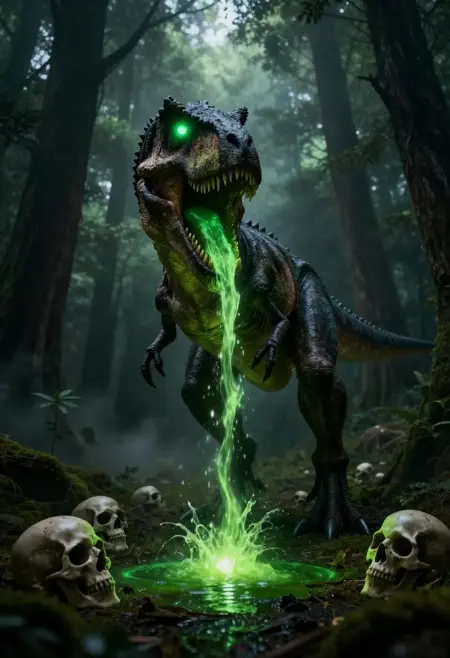
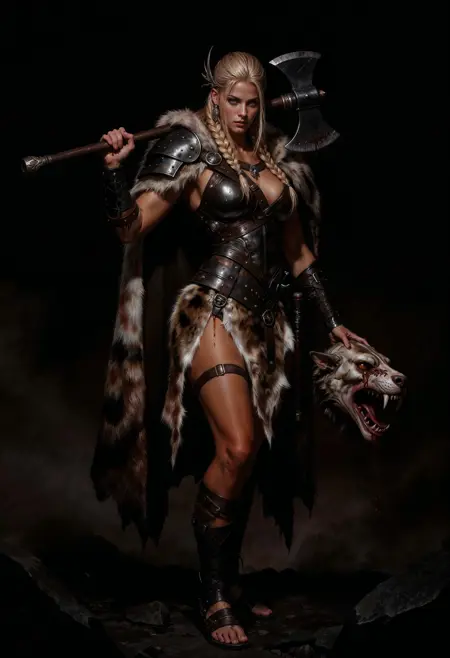
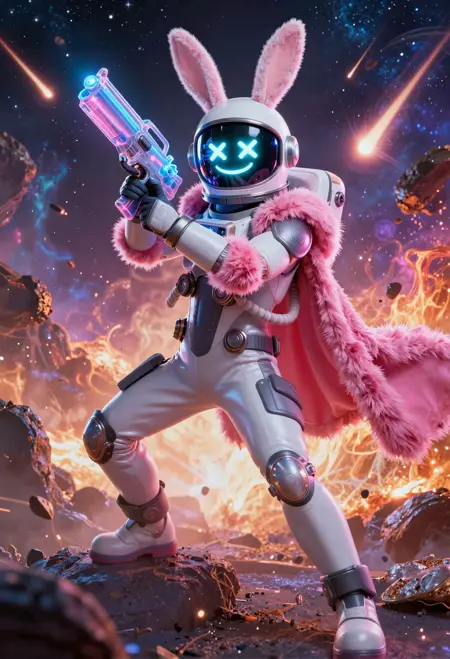
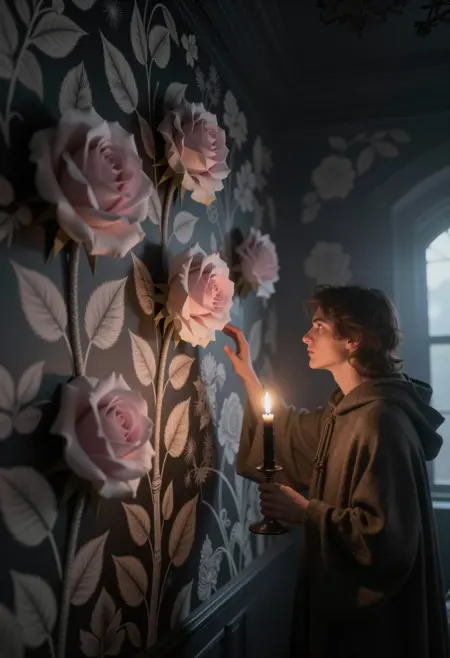
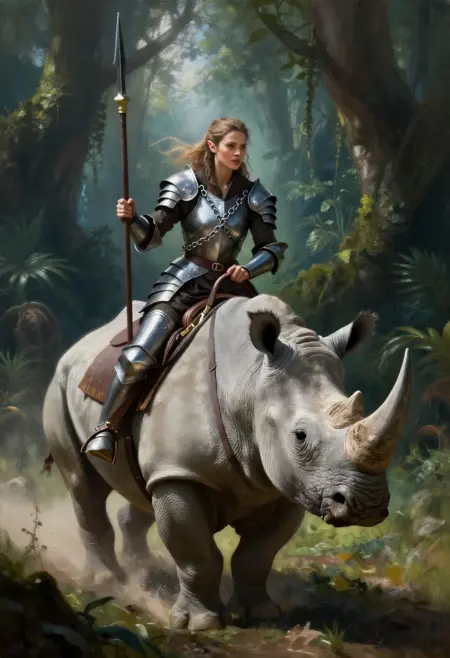
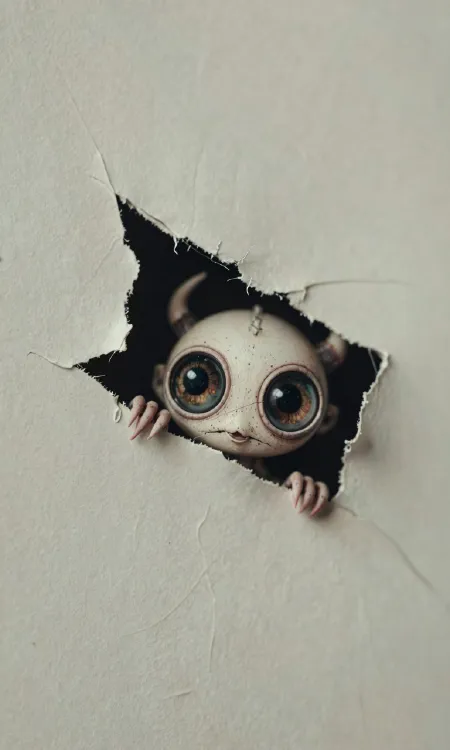
Try GPT Image 1.5 Now
Create photorealistic images with OpenAI's most advanced image model. Superior detail accuracy, natural lighting, and precise text rendering.
Open GeneratorPhotorealism Redefined
True Photorealism
GPT Image 1.5 produces images indistinguishable from real photographs. Advanced neural rendering creates natural skin textures, fabric details, and environmental lighting.
Pixel-Perfect Details
Every detail matters. From reflections in eyes to individual hair strands, GPT Image 1.5 renders micro-details that other models miss.
Perfect Text Rendering
Text in images is rendered with 99%+ accuracy. Create posters, signs, book covers, and UI mockups with correctly spelled, properly styled text.
Natural Lighting Engine
Advanced lighting simulation creates realistic shadows, reflections, and ambient occlusion. Golden hour, studio lighting, neon — all rendered naturally.
Versatile Style Range
From corporate headshots to fantasy landscapes. GPT Image 1.5 excels across photographic, artistic, and illustrative styles.
Built-in Safety
Content safety filters ensure responsible generation. GPT Image 1.5 includes advanced content moderation for professional use.
GPT Image 1.5 vs Traditional Models
Who Uses GPT Image 1.5?
Product Photography
Generate professional product photos without studio equipment. Perfect for e-commerce listings, catalogs, and marketing materials.
Portrait & Headshot
Create professional headshots, team photos, and portrait art. Consistent lighting and natural skin tones every time.
Content Marketing
Produce blog illustrations, social media visuals, and presentation graphics with photorealistic quality at scale.
How to Use GPT Image 1.5
Select GPT Image 1.5
Open Z-Image and choose GPT Image 1.5 from the model selector. No separate OpenAI account needed.
Write Your Prompt
Describe the image in detail. Include style preferences, lighting, composition, and any text elements.
Refine & Export
Review the result, iterate on your prompt if needed, and export in your preferred format and resolution.
GPT Image 1.5 FAQ
GPT Image 1.5 is OpenAI's latest image generation model, available on Z-Image. It excels at photorealistic image generation with superior detail accuracy, natural lighting, and precise text rendering.
Ready to Create with GPT Image 1.5?
Start generating professional images now. Free trial, no registration required.